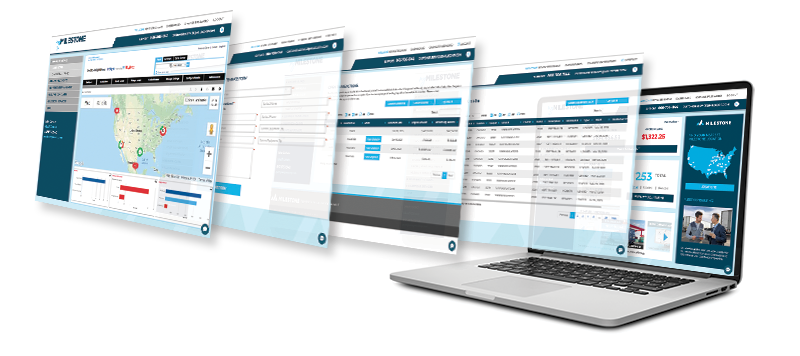
 With the debut of our new and improved myMilestone, our customers can now simply and quickly manage their Milestone fleet from anywhere at any time. This versatile and powerful tool gives every customer the ability to:
- View GPS tracking: Access your Milestone equipment outfitted with GPS or request service.
- Request a replacement license plate: Get a replacement license plate overnighted to you.
- Request FMCSA/FHWA inspection: Get copies of these key equipment inspections.
- Request a trailer move: We will help you move a Milestone trailer at your location if needed.
- Update a PO: Contact us to update your purchase order for your Milestone equipment.
- Request Maintenance: Get maintenance on your Milestone equipment when it is needed.
- Report LDW Claim: Find instructions and file a Loss Damage Waiver (LDW) program claim.
- Get and pay invoices: Review current and past invoices, and conveniently pay invoices online.
- View on-hire equipment list: See what equipment is on hire and what’s been turned in.
- View our FAQs: Review our comprehensive collection of frequently asked account questions.
Registration with myMilestone is easy … in just three easy steps:
- Go to myMilestone and click Register to access the application
- Provide your name, Email, customer name, customer number and billing zip
- We will verify your info and send you a link to complete your registration
For more information on or help registering with myMilestone, customers can contact their Milestone salesperson, or Customer Service at [email protected] or 866-706-1144.hudash